How to Book China Train Tickets Online with a Passport
Sources and freshness
Static planning guidance on this page is reviewed by the China Train Tickets editorial team. Train times, fares, seat classes, and availability can change, so the live result for your selected travel date is authoritative.
- Primary operational reference
- China Railway 12306 ticketing FAQ (live results may change when railway operations change)
- Page reviewed
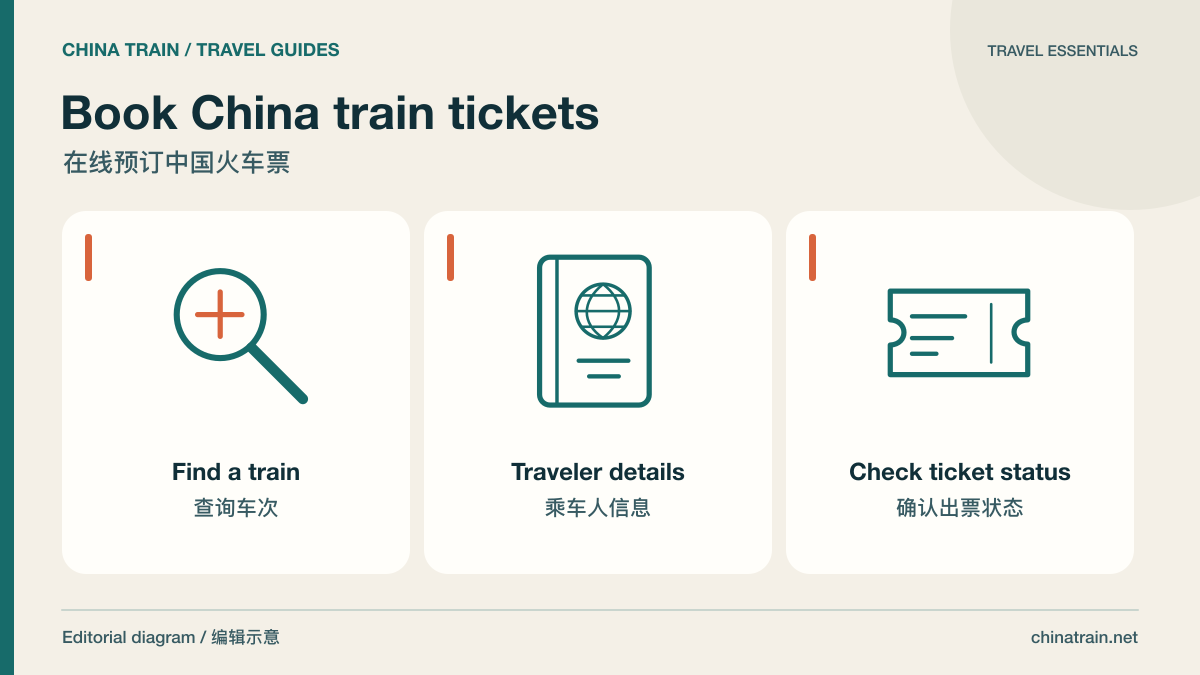
Book China train tickets: editorial diagram of key planning topics; not a photograph or official layout.
To book a China train, choose the exact stations and travel date, compare available departures, enter each passenger’s passport details, review the total, pay through the available checkout and confirm that the ticket has been issued.
1. Choose the correct stations and date
Search using the full station names. Beijing South is not Beijing West; Shanghai Hongqiao is not Shanghai Railway Station. Compare the station-to-hotel journey as well as the train ride. For an overnight service, check the arrival date, and allow enough time between a flight and the station. The fastest train is not always the simplest door-to-door journey.
2. Check release status and compare trains
The standard railway sales window is 15 days including today, with different station release times. A date offered by a seller beyond that window may represent an advance request, not an available railway ticket. Within the window, compare the departure and arrival times, train category, class and actual availability. Do not use an old screenshot as a fare quote.
3. Enter every passenger accurately
Use the passenger’s own passport name and number, correct nationality and birth date. Add every child, including an eligible free-travel child through the required process. If a long name, a single name or a child-ticket category does not fit the form, ask support before paying. The contact email should remain accessible during travel.
4. Review the order and checkout terms
- Confirm stations, local travel date, train number and class.
- Check each passenger and the requested seat or berth type; preferences do not guarantee allocation.
- Read the total, currency, any separately stated charges and the change/refund conditions.
- Use a payment method offered by the live checkout, and complete the bank’s authentication if requested.
5. Distinguish payment from ticket issuance
Keep the order reference and check status after payment. A successful charge can precede railway ticketing. Wait for issued-ticket confirmation showing the final journey details before assuming the seat is secured. If a charge or order is pending, check the original order or contact support instead of immediately placing a duplicate.
6. Prepare for boarding
Carry the original passport used for booking and save the confirmed itinerary offline. As a planning recommendation, arrive around 45–60 minutes early at a large unfamiliar station, longer during holidays or for identity checks. Follow the departure board and gate closing time; train departure time is not the last moment for entering the station.
12306 or a booking service: what should you compare?
12306 is China Railway’s official booking service. ChinaTrain is a separate booking service with its own displayed checkout and support terms. Compare the full price and assistance you need, and use the original seller for order-status, change and refund questions.
Scroll sideways to see all columns on smaller screens.
| Check | China Railway 12306 | A separate booking service |
|---|---|---|
| Who handles the order? | China Railway’s official booking channel. | The seller named on your order; use its support and order-status process. |
| What price should I compare? | The fare displayed for the chosen departure and class. | The full checkout total, currency and any separately stated service charges. Compare the same train and class. |
| What if the travel date is not on sale? | Check the railway release window and station release time. | An advance request may be offered under the seller’s terms. It does not establish an issued seat. |
| How do changes work? | Check the applicable railway rules and original order. | Check both the railway rules and the seller’s service terms before paying. |
Choose a channel whose identity checks, payment options and support process you can use. Neither an order reference nor a successful payment alone confirms that the railway ticket has been issued.
How to read the confirmation after payment
Before leaving for the station, check the actual issued itinerary in the channel where you booked. Different sellers use different screen labels. The checklist below describes the information to verify; it is not a screenshot or a reproduction of the 12306 interface.
Scroll sideways to see all columns on smaller screens.
| Field | What to check |
|---|---|
| Departure and arrival station | Match the full names, including South, West, North or Hongqiao; a city name alone is insufficient. |
| Travel date and time | Use the local date shown for the departure station. Check the arrival date for overnight trains. |
| Train number | Match this number to the departure board, rather than relying only on the final destination. |
| Passenger and document | Match the traveler and the document used for booking. Ask the original seller to check discrepancies. |
| Carriage and seat or berth | Use the final allocation, not the seat preference submitted with the request. |
| Ticket status | Look for explicit issued-ticket confirmation; a request, payment receipt or processing message alone is insufficient. |
If a field is missing or the order still says processing, check with the original seller. Do not use a bank transaction, an advance request or another passenger's sample confirmation as evidence that your own seat has been issued. A genuine 12306 screenshot illustrates only that booking and that interface version; it does not show ChinaTrain's checkout.
If payment succeeds but the ticket is still processing
- Open the original order rather than starting a second booking.
- Check its latest ticket status and any seller instructions about fulfillment or the sales window.
- Keep the order reference and payment reference for support, and share them privately through the seller's support channel.
- If you need an alternative, resolve the original order first to reduce the risk of paying twice for the same journey.
For the distinction between an order, a charge and an issued seat, read the payment and e-ticket guide. Check options in the train route directory, then use the live journey search for your date and stations.
Plan your next step
Passport-name guide · Release dates · Payment and e-tickets · Foreign-traveler rules
Sources and review date
Reviewed on 15 October 2026. These sources support the policy guidance; timetables, availability, fares and station arrangements must be checked for your travel date.
- 12306 official booking service
- 12306: Presale window
- Official international visitor guide: rail travel
Editorial additions reviewed on 18 October 2026. Worked examples explain planning and do not report live fares, inventory or a current train layout.